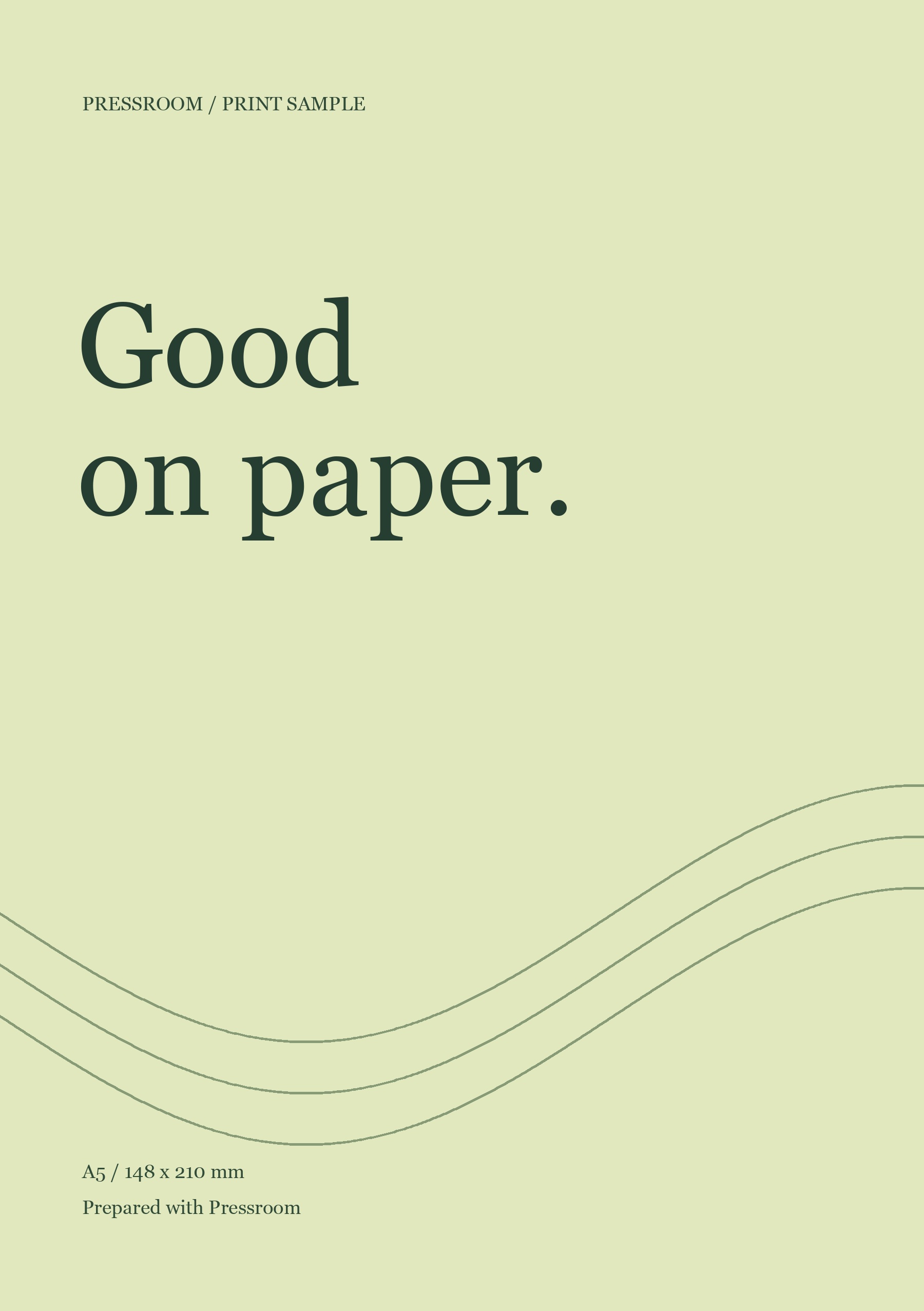
Upload your artwork.
Drop in your file. Checks start automatically after upload, including fonts, transparency and resolution.
For graphic designers, agencies and print shops
Creation is free. Downloading requires Pro.
Prepare JPGs, PNGs and multipage PDFs with the right finished size, bleed and color profile. Pressroom checks your file and shows you where a decision is needed before export.
Already have an account? Sign in
Encrypted upload. Other users cannot access your files.
JPG, PNG and multipage PDF. No installation needed.
Could not play the video. Download the video
A PDF is uploaded, A5 and 3 mm bleed are selected, and a print PDF is ready to download. Pressroom: your print file in your browser.How it works
Start with a file you already have. Pressroom handles the checks; you review the choices. Processing time depends on file size and complexity.
Drop in your file. Checks start automatically after upload, including fonts, transparency and resolution.
Choose the finished size and check the preview. Adjust placement or bleed only when needed; the default bleed is 3 mm.
Start the export and let Pressroom process it in the background. Find and download the result in your account when it is ready.
A real file. A real result.
This sample was exported by Pressroom: an RGB image becomes a CMYK print PDF with an A5 finished size, 3 mm bleed and crop marks.
No account needed for the sample. Check your printer’s specifications for your own files.
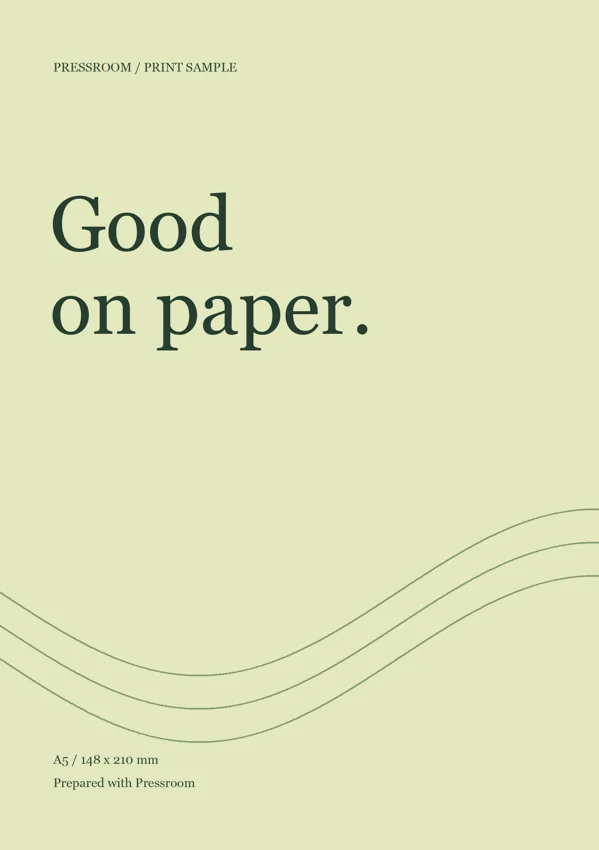
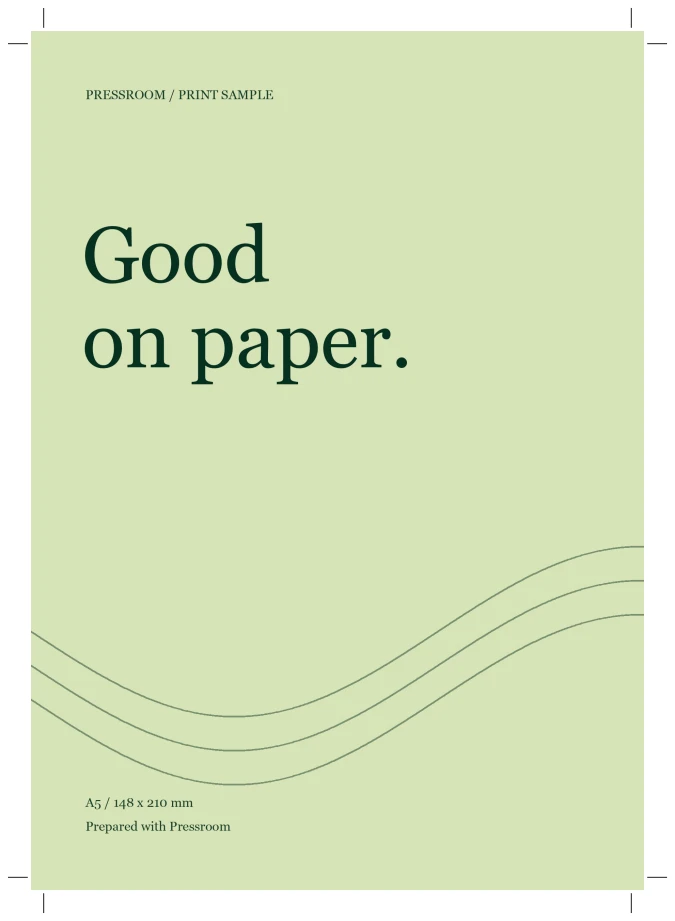
Screen previews are not color proofs.
✓ Crop marks when you need them.
Control where it counts
Start with your file. Adjust placement, bleed and export settings when you need to. Pressroom brings up file issues that need your decision before you continue.
Zoom in to check the crop. Keep important content inside the safety guide. Download the result and send it to your printer.
Pricing
Upload, prepare and review your PDF for free. Pro unlocks downloads.
$0to get started
Creation is free. Downloading requires Pro.
Start for free No payment details needed$19.00/ month
Recurring subscription. Cancel before renewal in your account.
Payment through StripeUp to 25 MB per file and 50 pages per PDF. The same processing limits apply to both plans.
Questions
Upload your artwork, configure the output and generate your PDF. You can review a screen-resolution preview for free. A Pro subscription is required to download the generated files.
Your account keeps uploads and results together. Processing continues after you close the tab, and you can return from another device.
Upload JPG, PNG or PDF files up to 25 MB. PDFs can contain up to 50 pages.
Pressroom checks fonts, links, transparency and resolution. If a decision is needed, it explains your options before export. Some files need a rendered copy; others need correcting in the original design.
You can enlarge and crop the artwork to fill the bleed area. Check that no important content is cut off. Pressroom does not invent missing image content.
Choose PDF/X-1a or PDF/X-4 and FOGRA39, FOGRA51 or FOGRA52. Add crop marks or a separate screen PDF if needed. Use the settings requested by your printer and check the result before printing.
Once the upload is complete, processing continues on the server. Sign back in to find the result in your history, including on another device.
PRESSROOM
Start with one JPG, PNG or PDF. Review the crop and download a print PDF with the settings your printer needs.
Create my print PDFNo installation. Automatic checks. Results saved in your account.